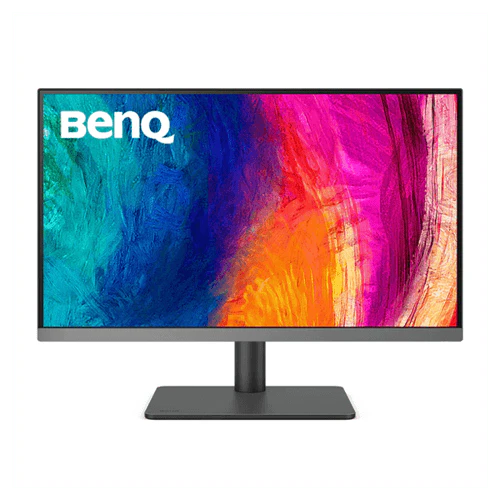
BenQ PD2706U 27 Inch Graphic Designers Monitor
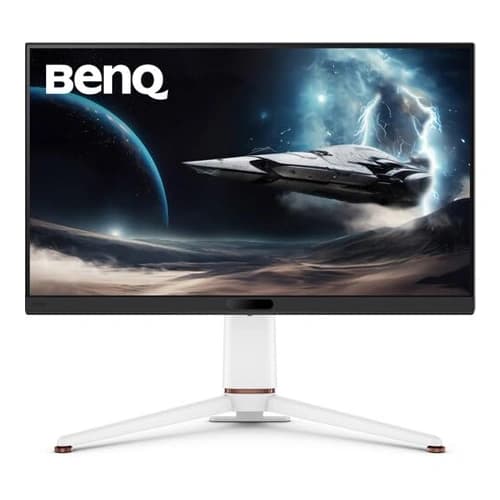
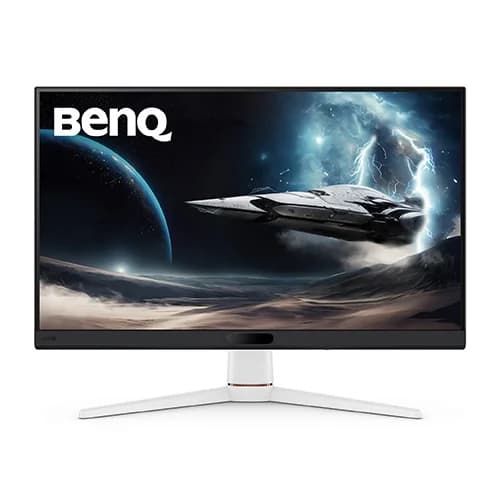
BenQ PD2706U 27 Inch Graphic Designers Monitor
- PD2706U covers 95% P3, 99% sRGB, and 99% Rec.709 color spaces and has amazing Delta E ≤ 3 color reproduction to ensure superb accuracy and absolute color confidence.
-
BenQ DesignVue monitors feature meticulous factory calibration, so designers make full use of total display color accuracy from the get go
-
BenQ Display Pilot offers keyboard shortcuts to access OSD (on-screen display) adjustments for different functions, including color mode switching and more.
-
Usually, syncing color profiles between your monitor and laptop takes an exhausting amount of fiddling with settings. BenQ Display Pilot and BenQ ICCsync free you from this hassle.
-
With built-in KVM (keyboard, video, mouse) switch functionality, PD2706U allows users to control two systems from one keyboard and mouse set. Click to switch between systems via Hotkey Puck G2 to boost efficiency.
-
BenQ Hotkey Puck G2 offers users the flexibility to customize and access their most-used features. Press and switch the dial to access brightness, contrast, and volume adjustment, plus assign shortcuts to feature sets using the three function keys. Additionally, the rotation key allows users to assign custom shortcuts to settings.
More Images
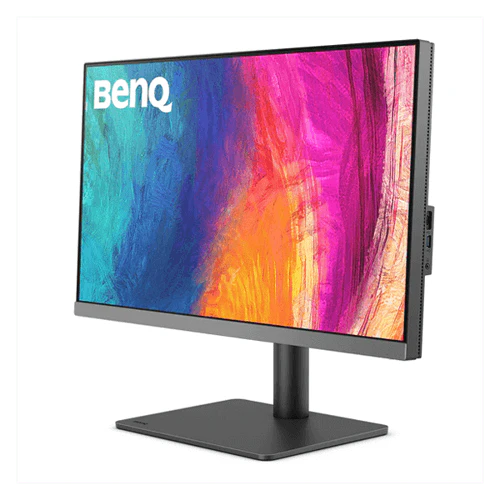
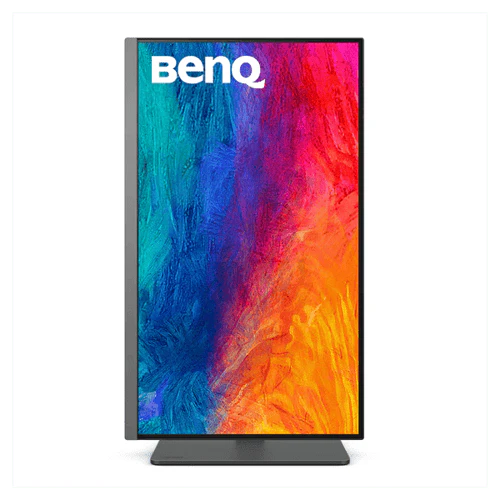
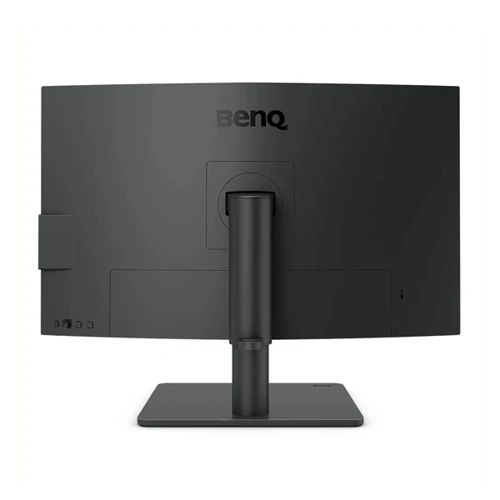
BenQ PD2706U 27 Inch Graphic Designers Monitor
BenQ PD2706U 27 Inch Graphic Designers Monitor
- PD2706U covers 95% P3, 99% sRGB, and 99% Rec.709 color spaces and has amazing Delta E ≤ 3 color reproduction to ensure superb accuracy and absolute color confidence.
-
BenQ DesignVue monitors feature meticulous factory calibration, so designers make full use of total display color accuracy from the get go
-
BenQ Display Pilot offers keyboard shortcuts to access OSD (on-screen display) adjustments for different functions, including color mode switching and more.
-
Usually, syncing color profiles between your monitor and laptop takes an exhausting amount of fiddling with settings. BenQ Display Pilot and BenQ ICCsync free you from this hassle.
-
With built-in KVM (keyboard, video, mouse) switch functionality, PD2706U allows users to control two systems from one keyboard and mouse set. Click to switch between systems via Hotkey Puck G2 to boost efficiency.
-
BenQ Hotkey Puck G2 offers users the flexibility to customize and access their most-used features. Press and switch the dial to access brightness, contrast, and volume adjustment, plus assign shortcuts to feature sets using the three function keys. Additionally, the rotation key allows users to assign custom shortcuts to settings.
Product Information
Product Information
Shipping & Returns
Shipping & Returns
Description
BenQ PD2706U 27 Inch Graphic Designers Monitor
- PD2706U covers 95% P3, 99% sRGB, and 99% Rec.709 color spaces and has amazing Delta E ≤ 3 color reproduction to ensure superb accuracy and absolute color confidence.
-
BenQ DesignVue monitors feature meticulous factory calibration, so designers make full use of total display color accuracy from the get go
-
BenQ Display Pilot offers keyboard shortcuts to access OSD (on-screen display) adjustments for different functions, including color mode switching and more.
-
Usually, syncing color profiles between your monitor and laptop takes an exhausting amount of fiddling with settings. BenQ Display Pilot and BenQ ICCsync free you from this hassle.
-
With built-in KVM (keyboard, video, mouse) switch functionality, PD2706U allows users to control two systems from one keyboard and mouse set. Click to switch between systems via Hotkey Puck G2 to boost efficiency.
-
BenQ Hotkey Puck G2 offers users the flexibility to customize and access their most-used features. Press and switch the dial to access brightness, contrast, and volume adjustment, plus assign shortcuts to feature sets using the three function keys. Additionally, the rotation key allows users to assign custom shortcuts to settings.